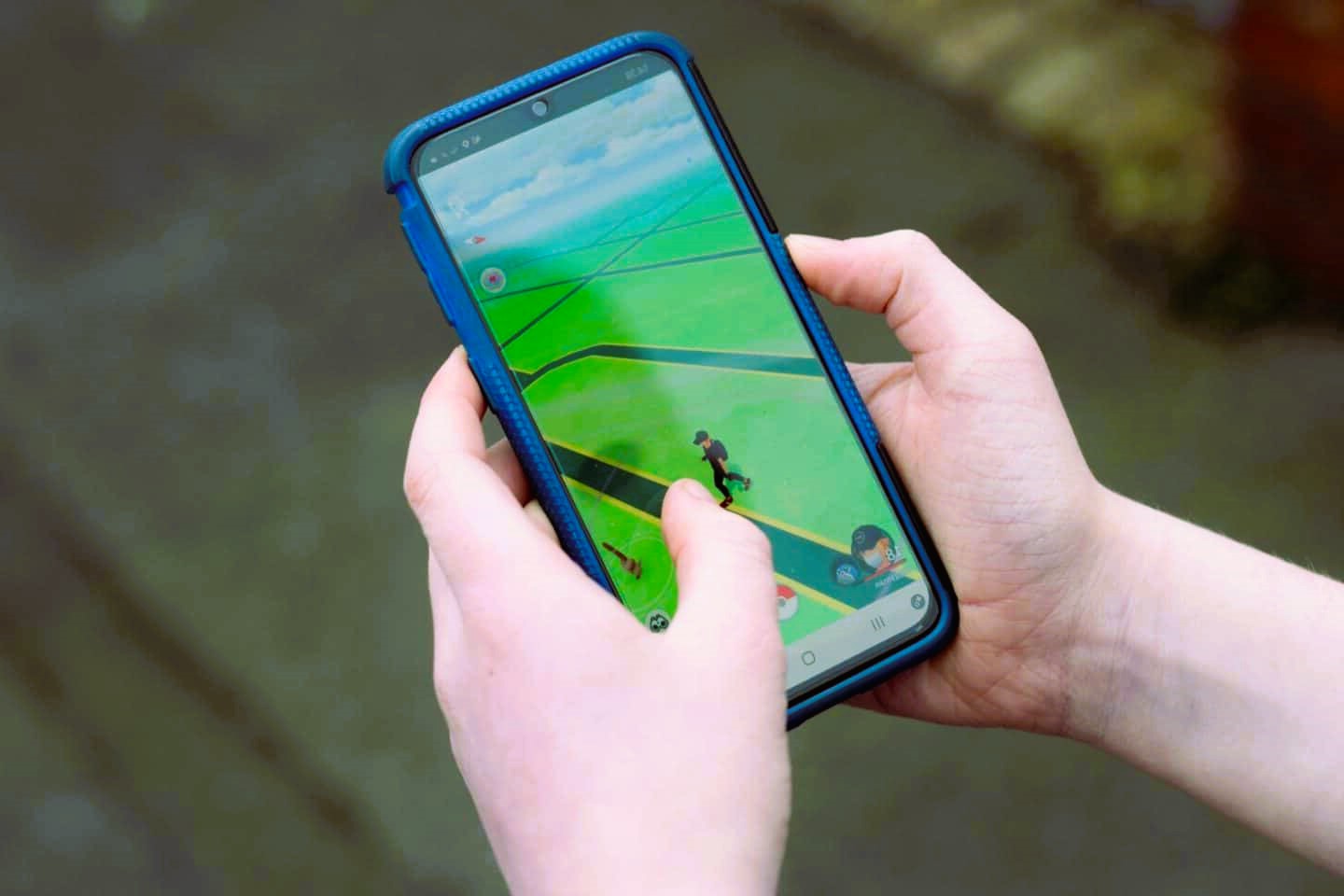
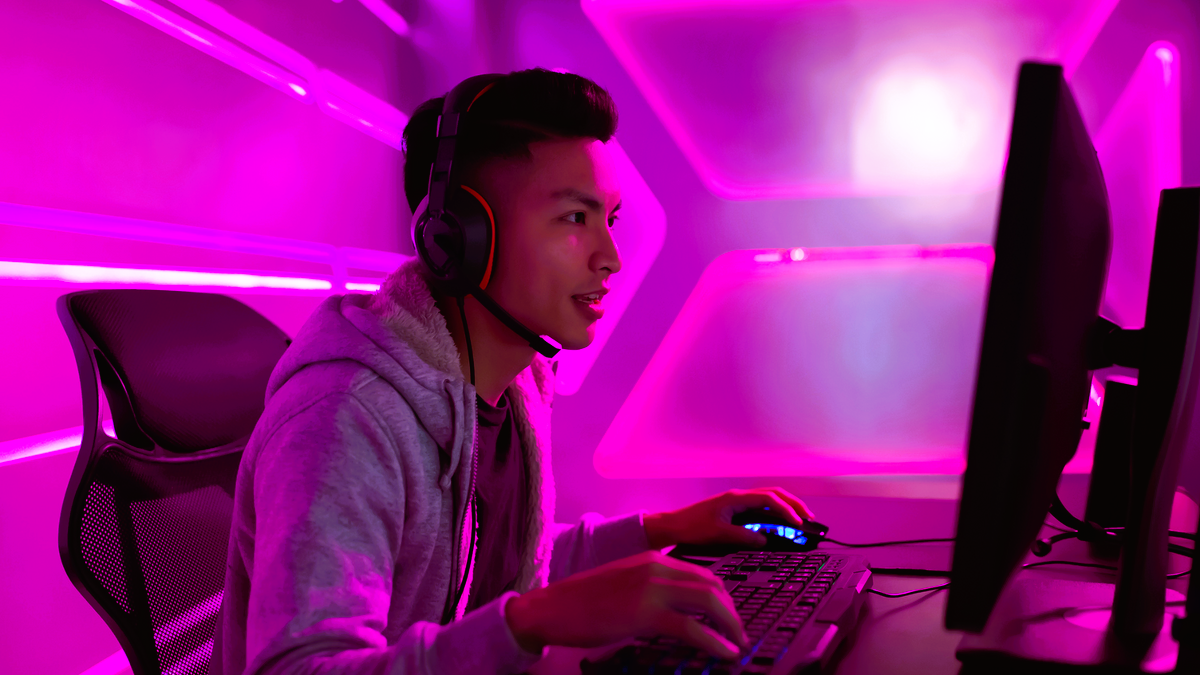
Gaming is a thrilling activity that engages the mind and offers an escape from reality. However, for all its excitement, the sedentary nature of gaming can lead to significant health issues if not managed properly. One of the most common problems faced by gamers is spine-related issues, especially as prolonged sitting and poor posture can contribute to back pain, stiffness, and even more serious conditions like herniated discs.
In this article, we’ll explore the risks associated with a sedentary lifestyle for gamers and offer practical tips to prevent spine issues while still enjoying your favorite games.
Understanding the Impact of a Sedentary Lifestyle on the Spine
A sedentary lifestyle, characterized by long periods of sitting and minimal physical activity, is often the result of extended gaming sessions. When you remain seated for hours on end, the muscles and ligaments that support your spine can weaken and become stiff. This leads to poor posture and misalignment of the spine, which increases the risk of developing back pain and other musculoskeletal problems.
Gamers often sit in positions that strain their lower back, neck, and shoulders, especially if they are not using ergonomic equipment or taking frequent breaks.
Tips to Prevent Spine Issues for Gamers

Here are several strategies to help you maintain a healthy spine while gaming:
1. Proper Ergonomics: The Foundation of Spine Health
- Chair Selection: Choose an ergonomic chair that supports your lower back and encourages proper posture. A chair with lumbar support, adjustable height, and armrests is ideal for maintaining a neutral spine position.
- Monitor Placement: Your monitor should be at eye level to prevent neck strain. It should be positioned about 20 to 30 inches from your eyes, and the top of the screen should be at or just below eye level.
- Keyboard and Mouse Position: Keep your keyboard and mouse at a height where your arms are bent at a 90-degree angle. This helps to avoid straining your wrists, shoulders, and back. To find out how to balance gaming and parenting, read our tips for gaming moms and dads.
2. Take Regular Breaks
Sitting in one position for hours can stiffen your spine and muscles. To reduce the risk of injury, follow the 20-20-20 rule:
- 20 minutes of gaming should be followed by a 20-second break.
- Stand up, stretch, and move around to relax your spine and improve circulation.
- Take a longer break every hour to give your body time to recover.
3. Stretching Exercises for the Spine
Incorporate stretches and movements into your routine to keep your spine flexible and alleviate tension caused by sitting. Some effective stretches include:
- Cat-Cow Stretch: This stretch involves arching your back and then curving it in the opposite direction. It helps to increase mobility in your spine and relieve stiffness.
- Spinal Twists: Sit up straight and gently twist your torso from side to side to increase flexibility in your spine.
- Forward Bend: Slowly bend forward to stretch your lower back, releasing tension and improving flexibility.
4. Strengthening Core Muscles
A strong core is essential for supporting your spine and maintaining proper posture. Include core-strengthening exercises, such as:
- Planks: Holding a plank position strengthens the muscles that support your spine.
- Bridge Exercise: Lie on your back with your knees bent, then raise your hips toward the ceiling. This strengthens your glutes and lower back muscles.
5. Adjust Your Posture
One of the most important habits you can adopt is sitting with correct posture. Avoid slouching, as this can lead to misalignment of the spine and cause strain on your back muscles. Instead, sit with your shoulders relaxed, feet flat on the floor, and knees at a 90-degree angle.
6. Invest in Ergonomic Gaming Gear
Many gaming accessories are designed to help reduce strain on your spine and promote better posture. Consider investing in ergonomic:
- Gaming Chairs: Designed to support your lower back and encourage proper posture.
- Keyboard and Mouse: Ergonomic models reduce wrist strain and improve overall comfort.
- Footrests: A footrest can help maintain the proper angle for your knees and feet.
When to Seek Professional Help
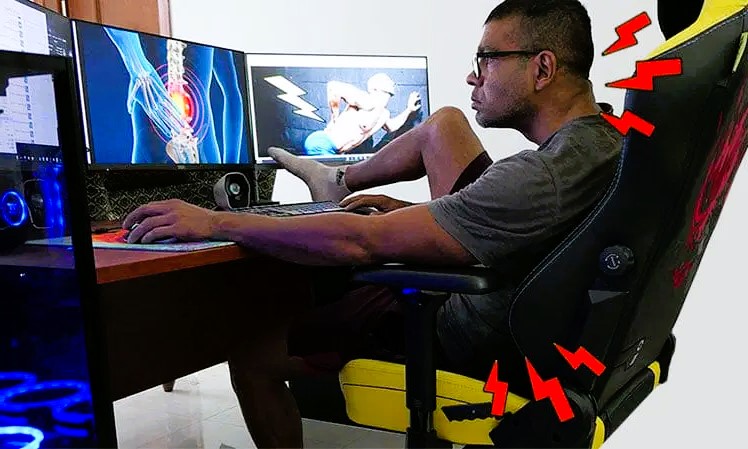
If you experience persistent back pain, stiffness, or other discomfort while gaming, it may be time to consult a healthcare professional. A physical therapist can provide targeted exercises to help alleviate back pain and improve posture, while a chiropractor can assess spinal alignment and offer treatments if necessary.
While gaming is a fantastic way to unwind and have fun, it’s crucial to prioritize your spinal health. By incorporating good ergonomic practices, taking regular breaks, strengthening your core, and maintaining proper posture, you can significantly reduce the risk of spine-related issues and enjoy gaming without discomfort. Your health is essential, so make sure to take care of your spine as you dive into the virtual world.
For more information about the impact of sedentary lifestyles on health, check out the Wikipedia page on Sedentary Lifestyle.